Teach the crew

Ask a real question.

A form is how the company asks the field a real question. You learn from the answer. CraftBelt shows the question on the phone. PayCrew Hub keeps who saw it, who finished it, and what they answered.


What you ask

One builder for every kind of form

Announcement

Teach the crew. A welcome, a how-to, a picture, or a video. Add an acknowledgement when they need to agree. The card stays until the date you set.

Quiz

Teach the point, then see who has it. A miss shows the right answer, and the employee taps I understand. People are not locked out for a low score.

Survey

The same builder, when you are collecting answers and there is no correct choice. You learn from what they say.

Job Sheet and the plan

Quantity and the plan are part of measuring the day. Shape Job Sheets, plans, material sheets, and accident reports around the way your office works.

Time Ticket

Hours, time tickets, and payroll are the byproduct of measuring the day. Add the fields your office needs.

Signatures and links

Legal e-signature with a signed packet download. Employee Links for a URL or a policy, with a new signature when the file changes.

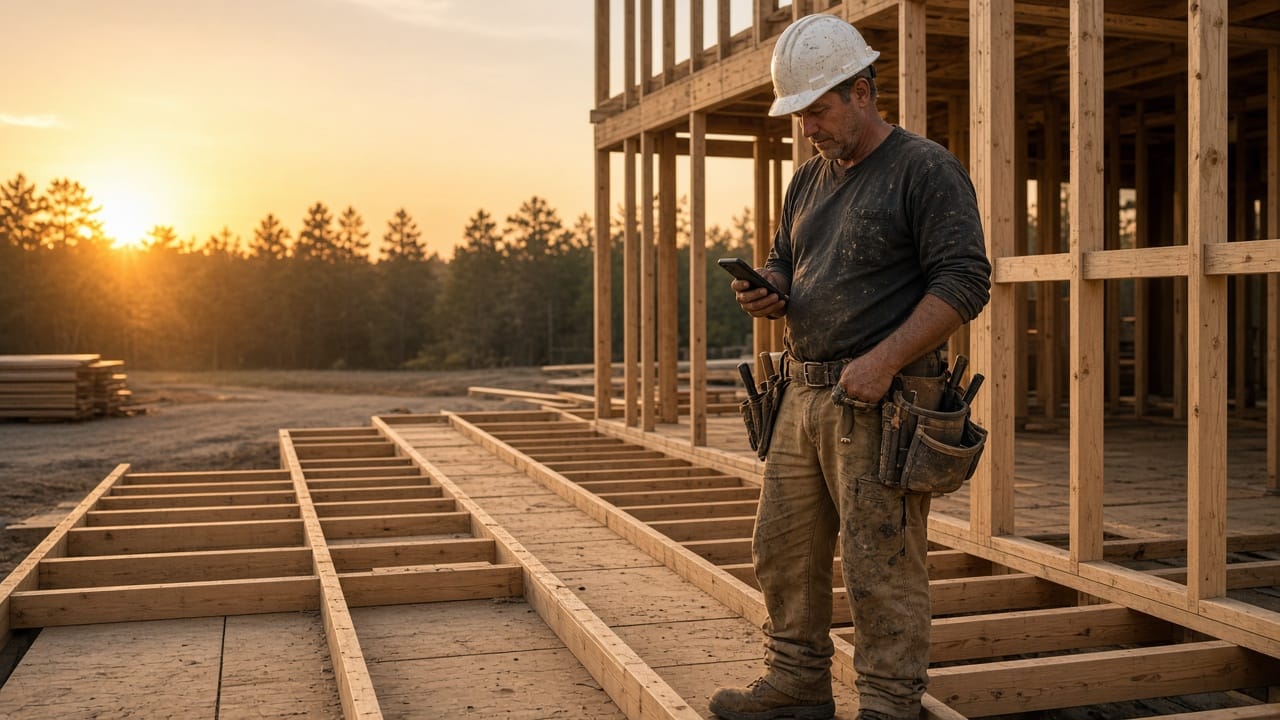
Foreman reading a company announcement on his phone at the tailgate
Where the crew sees it

On the screens they already open

Choose the CraftBelt screen: Time Desk, Enter Time, Schedule Ahead, Job Assignments, Approval Desk, PassPort, Production, and the rest of the field menu. PayCrew forms can also open on the Hub.

  • Show it once, daily, or each pay week
  • Force it before the screen opens
  • Limit it by role, craftsman through owner
  • Short training videos under each page
Owner reviewing form results in the office
What you learn

Who saw it, who finished it, what they said

People, results, average first-try, completed, watched through, and misses. Analysis by question and by person, a printed report, and a CSV export.

You design the fields: choices, yes/no, text, numbers, dates, photos, video, signature, QR, and plain instructions. A document you already use can draft the form. Saving creates a new version, so older answers stay on the old one.

Bring the day you want to measure

Twenty minutes on your jobs and cost codes. Every company is set up differently, so pricing is quoted to yours. Send us a message and we will walk it with you.